Your script, behind the notch.
Perfect for presentations, video calls, and more.
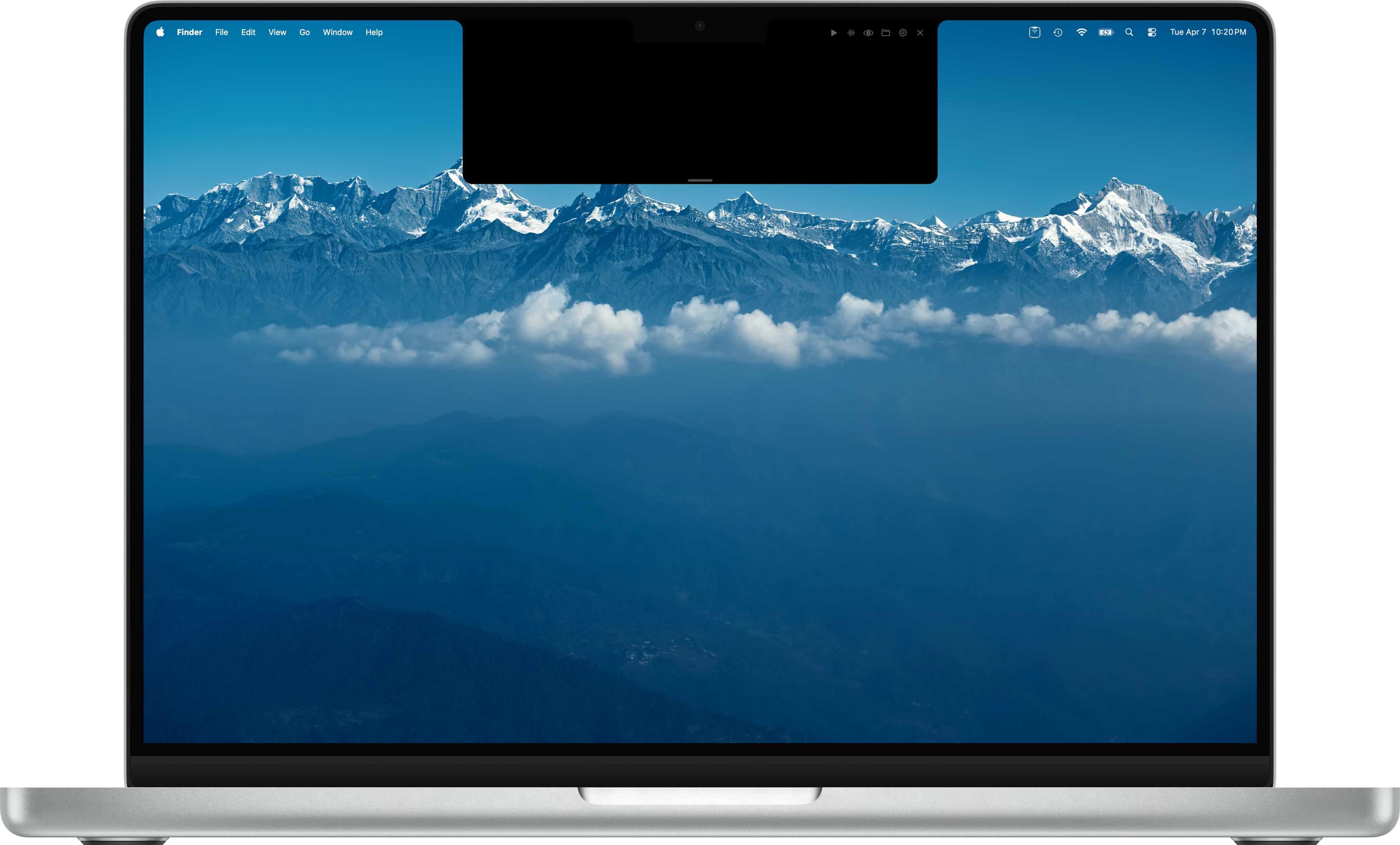
Perfect for presentations, video calls, and more.
Adjustable scroll speed with smooth, continuous playback.
Follows along with your speech in real time using microphone input.
Browse images right behind the notch. Zoom, pan, and navigate with arrow keys.
Ask about any topic and instantly generate a word-for-word presentation script, ready to scroll.
Automatically detects your MacBook notch and positions the panel perfectly.
Rich rendering of .md and .txt files with beautiful typography.
Adjustable scroll speed with intuitive play and pause controls.
Follows along with your speech using microphone input.
Optionally hide the panel from screen recordings and shares.
Full keyboard control for hands-free operation.
Free download for macOS.
Download for macOSRequires macOS. Works best with notch-equipped MacBooks.